Portfolio
The Junior Designer's Portfolio Guide: Starting From Zero
A practical guide for junior designers with no shipped projects who need to build a clear, honest UX portfolio.

Ömer Arı
5 min read
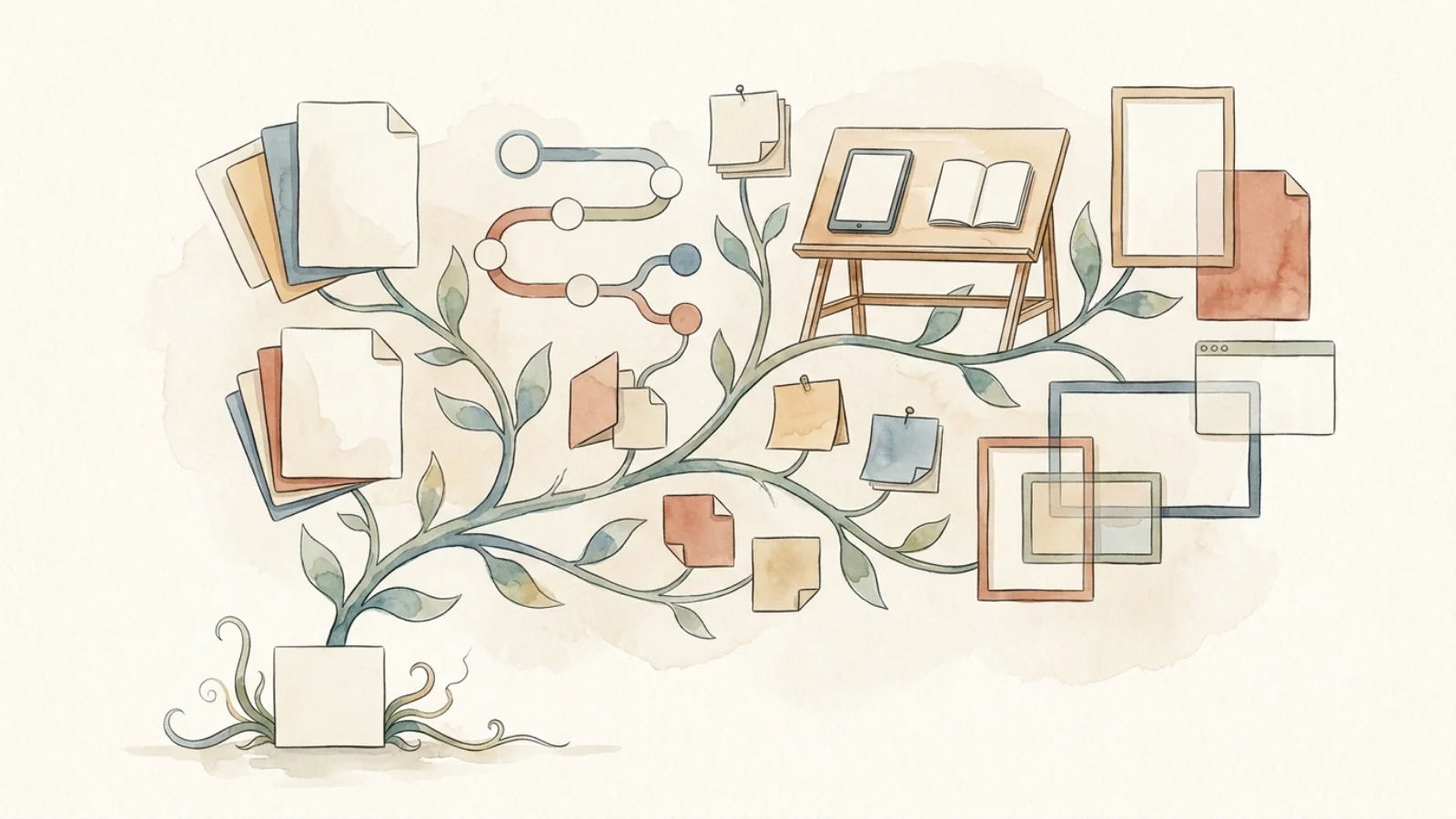
This guide is for junior designers, bootcamp graduates, students, and career switchers who need a portfolio before they have shipped work. You will learn how to choose your first projects, frame school or practice work honestly, and build a homepage that gives reviewers a clear reason to keep reading.
The real problem is not lack of experience
When you are starting from zero, the portfolio problem feels unfair. Most job posts ask for experience, most portfolio examples show polished product work, and most advice tells you to show impact. That is hard when your strongest project came from a bootcamp, a class assignment, or a self-initiated exercise.
The common reaction is to pretend. A junior designer writes like a senior product owner, adds business metrics that were never measured, and presents a concept project as if it changed a live product. The intention is understandable. The result usually creates doubt.
A junior portfolio does not need to look senior. It needs to look clear, honest, and teachable. The reviewer is not expecting you to solve every constraint of a real product team. They want to see how you understand a problem, make decisions, respond to feedback, and explain trade-offs.
That means your first portfolio should answer a different question: can this person think through a design problem with enough structure to grow in a real team?
Pick projects that reveal your thinking
Your first portfolio needs two or three projects, not six weak ones. A small set lets you go deeper and avoid filling the site with similar screens. Choose projects that show different parts of your design ability.
A useful starter set could look like this:
- A product redesign with a narrow scope. Pick one flow, such as onboarding, checkout, search, booking, account setup, or cancellation. Do not redesign the whole app. Show how you diagnosed friction and improved one experience.
- A new concept built from a real user need. This can be a student or personal project. The key is to ground it in a specific audience, not a generic “app idea.”
- A UI-focused project with strong execution. If you are applying for product design roles, visual craft still matters. Include one project that shows layout, hierarchy, states, and interaction detail.
Avoid projects that are too broad. “A wellness app for everyone” is harder to evaluate than “a habit tracking flow for people returning to exercise after a long break.” A narrow project gives you more room to show decisions.
You can use school work, bootcamp work, or self-initiated work. Label it clearly. For example: “Bootcamp capstone project,” “Self-initiated redesign,” or “Course project based on a fictional brief.” This honesty does not weaken the work. It sets the right expectation.
The stronger move is to explain what was real inside the project. Did you interview people? Did you test a prototype? Did you compare existing products? Did you revise the flow after critique? These details help the project feel grounded.

Frame school work like design work
Many junior portfolios lose credibility because they describe assignments in a classroom tone. They list the brief, the tools, and the final screens. They rarely explain why choices were made.
A better structure is simple:
Context. What was the situation? Was this a bootcamp brief, a class assignment, a self-initiated redesign, or a practice project?
User problem. Who was the project for, and what difficulty did they face? Keep this specific. “Users need a better experience” says very little. “First-time renters struggle to compare hidden costs before booking” gives the reader something to follow.
Your role. What did you personally do? If it was a team project, separate your contribution from the group output. You can write: “I worked on research synthesis, user flow, wireframes, and final UI for the booking step.”
Process. Show the few steps that changed the direction of the work. You do not need to include every workshop artifact. Pick the moments that influenced a decision.
Decision. Explain what you chose and what you did not choose. Junior designers often show the final screen without the reasoning. A reviewer learns more from one clear trade-off than from ten polished mockups.
Outcome. If the project was not shipped, do not invent product impact. Use learning outcomes. For example: “The usability test showed that participants understood the comparison table faster than the card layout, so I simplified the first step and moved fees into the main view.”
Here is a simple before and after:
Weak: “I created wireframes, user personas, and a high-fidelity prototype in Figma.”
Stronger: “I started with a broad travel planning brief, then narrowed the project to the first booking decision. After testing two layouts, I removed the comparison carousel because participants missed key price details.”
The second version sounds more like design work because it shows a decision path.
Your homepage also needs this clarity. When you have no shipped work, do not hide behind vague lines like “I craft meaningful digital experiences.” Write something more useful: “Junior product designer focused on clear flows, usability testing, and practical interface design.”
Then show three project cards. Each card should include the project type, your role, and what the reader will learn from opening it. For example:
“Booking flow redesign, self-initiated project. Focus: reducing comparison friction in the first decision step.”
This gives the reviewer a reason to click. It also prevents the work from feeling like a gallery of disconnected visuals.
Rewrite one project before adding another
Do not start by building a large portfolio site. Pick one project and rewrite it using the structure above. Clarify the project type, user problem, your role, two key decisions, and what changed after feedback or testing. When one project reads clearly, use it as the model for the rest of your junior portfolio.
This article was created in collaboration with AI · Editor: Ömer Arı
Related reading
Apr 22, 2026
7min read
UX vs UI: Why Final Screens Are Not Enough in a Portfolio
Learn the practical UX vs UI difference in portfolio writing, and how to make design reasoning visible beyond polished final screens.
Jan 5, 2026
6min read
UX Portfolio Examples: What They Do Right
An anonymized analysis of strong UX portfolio patterns, from homepage hierarchy to role clarity and case study selection.
Dec 15, 2025
6min read
7 Things to Watch When Building Your Portfolio
A practical checklist of seven common portfolio mistakes designers should fix before applying to product roles.