Case studies
How to Explain Prototyping in a UX Case Study
How to present prototypes in a UX case study through assumptions, interaction decisions, test scenarios, and learning.

Ömer Arı
9 min read
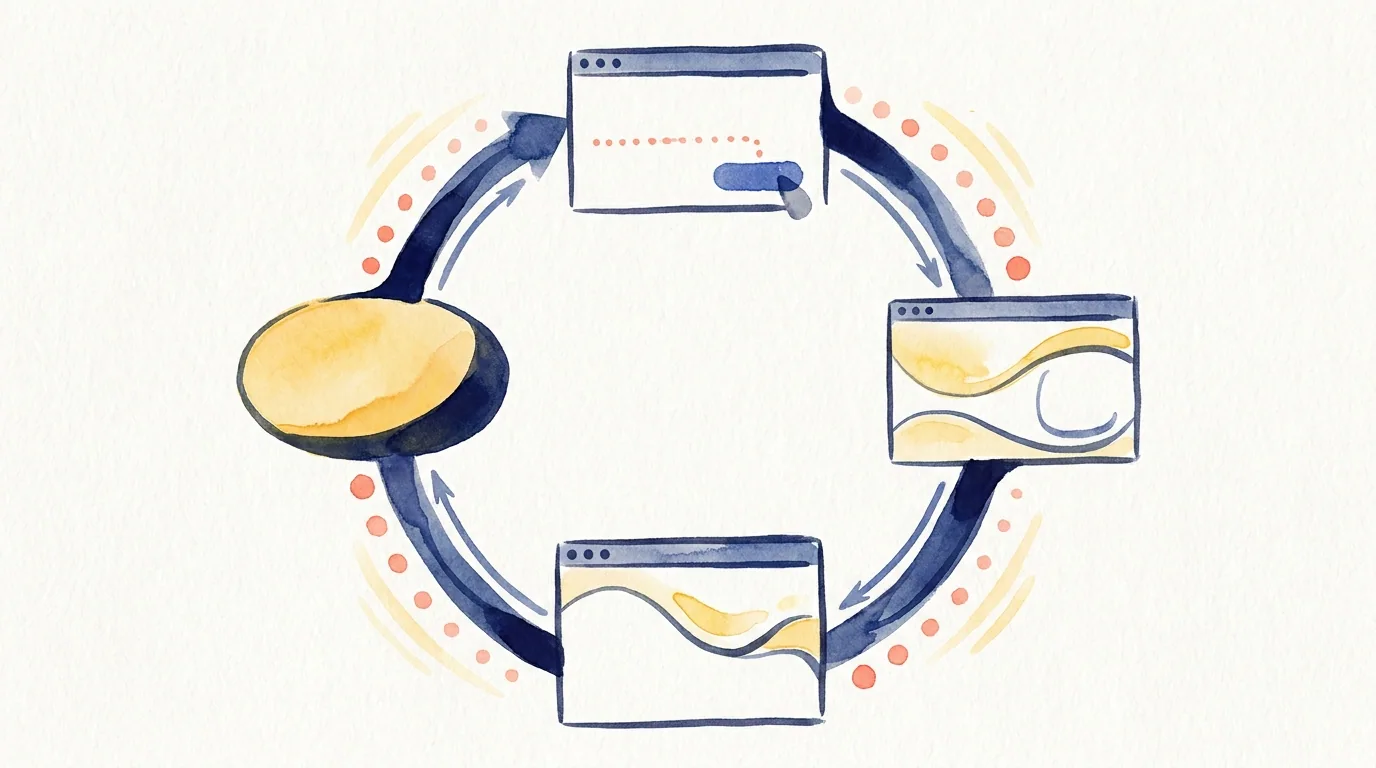
Prototypes are often described in UX portfolios as “the clickable version of the design.” A Figma prototype was created, several screens were connected, and the user flow was shown. In the case study, this may be summarized as “I created a prototype and tested it.”
That explanation is too thin.
The value of a prototype in a portfolio is not that it can be clicked. A prototype is a learning tool. It helps you test an idea, a flow, an interaction, or an assumption before moving further into final design.
The stronger portfolio question is:
What were you trying to learn with this prototype?
If that question is not answered, the prototype may look like another deliverable. When explained well, it shows how you reduced uncertainty and made a more informed design decision.
What is a prototype?
A prototype is a testable representation of a product idea or flow. It can be a paper prototype, connected Figma screens, a high-fidelity interactive demo, or a small interaction model focused on one behavior.
The level of realism is not the main point. The main point is the question the prototype helps answer.
A prototype can help you test:
- Does the user understand the flow?
- Can the user predict the next step?
- Does critical information appear at the right moment?
- Is an interaction behavior confusing?
- What does the user need before making a decision?
- Can the user recover from an error?
- Does the design assumption work in use?
When you explain a prototype in a case study, state which question you focused on.
When does a prototype help in a portfolio?
A prototype is valuable when static screens cannot fully explain the design decision.
1. The interaction decision matters
Some UX decisions are not visible in a single screenshot. You may need to show how a user moves forward, what an action triggers, how backtracking works, or how the system responds.
For example:
- Does the price update when the user changes a selection?
- Can the user edit information before confirmation?
- Does the error message guide the user back to the right step?
- Does progressive disclosure make sense in use?
- Does filtering, comparison, or selection feel clear?
In these cases, the prototype becomes evidence for an interaction decision.
Weak version:
I created the prototype in Figma.
Stronger version:
In the prototype, I focused on testing whether users understood how the cost changed after changing their selection. The goal was to see if the system response was clear before users committed to the action.
The second version turns the prototype from a production output into a learning tool.
2. You tested an assumption
A prototype makes an assumption visible and testable.
For example, you might test:
- Users will understand a two-step flow more easily than one dense screen.
- Users will feel more confident if they can edit information before confirmation.
- Users will understand the explanation better in the flow than inside a modal.
- Users will need less backtracking if summary information appears before the final step.
In the prototype section, connect these points:
What was the assumption? How did the prototype make it testable? What did you learn from testing or observation? What changed in the design?
This structure makes the prototype section much stronger.
3. You ran usability testing
If you ran usability testing, the prototype section becomes especially important. The thing being tested was probably not the final product. It was the prototype.
In that case, saying “I tested the prototype” is not enough. Explain the scenario and the decisions being tested.
Example:
I used the prototype to test whether users could complete the application flow until the final step. The test focused on three points: whether users could find cost information, whether they understood that information could be edited before confirmation, and whether they knew what would happen after submission.
This makes the purpose of the test clear.
When does a prototype weaken a case study?
Showing a prototype does not automatically make a case study stronger. Sometimes it feels like an unnecessary demo.
1. It is unclear what the prototype tested
A prototype link or a set of screen images is not enough. The reader needs to know what the prototype questioned or validated.
Weak version:
I tested the user flow with a prototype.
This is too general.
Stronger version:
I used the prototype to test whether users noticed the pre-confirmation summary area and whether that area increased confidence before the final action.
Now the purpose is clear.
2. The prototype is shown like the final design
In some case studies, the prototype looks almost identical to the final design. If nothing changed after prototyping, the section may feel redundant.
The reader wants to understand:
- What did you try in the prototype?
- What did testing reveal?
- What changed in the final design?
- Which decision was validated or rejected?
The difference between prototype and final design should be visible.
3. It is explained only as tool skill
Statements like “I created a Figma prototype,” “I built an interactive flow,” or “I used component transitions” are not enough on their own.
Tool skill can be useful, but the main value in a case study is design thinking.
Better version:
I used a component transition not to show animation quality, but to test whether users noticed which information changed after they changed their selection.
This connects the tool choice to a UX purpose.
How to explain a prototype in a case study
Use this structure.
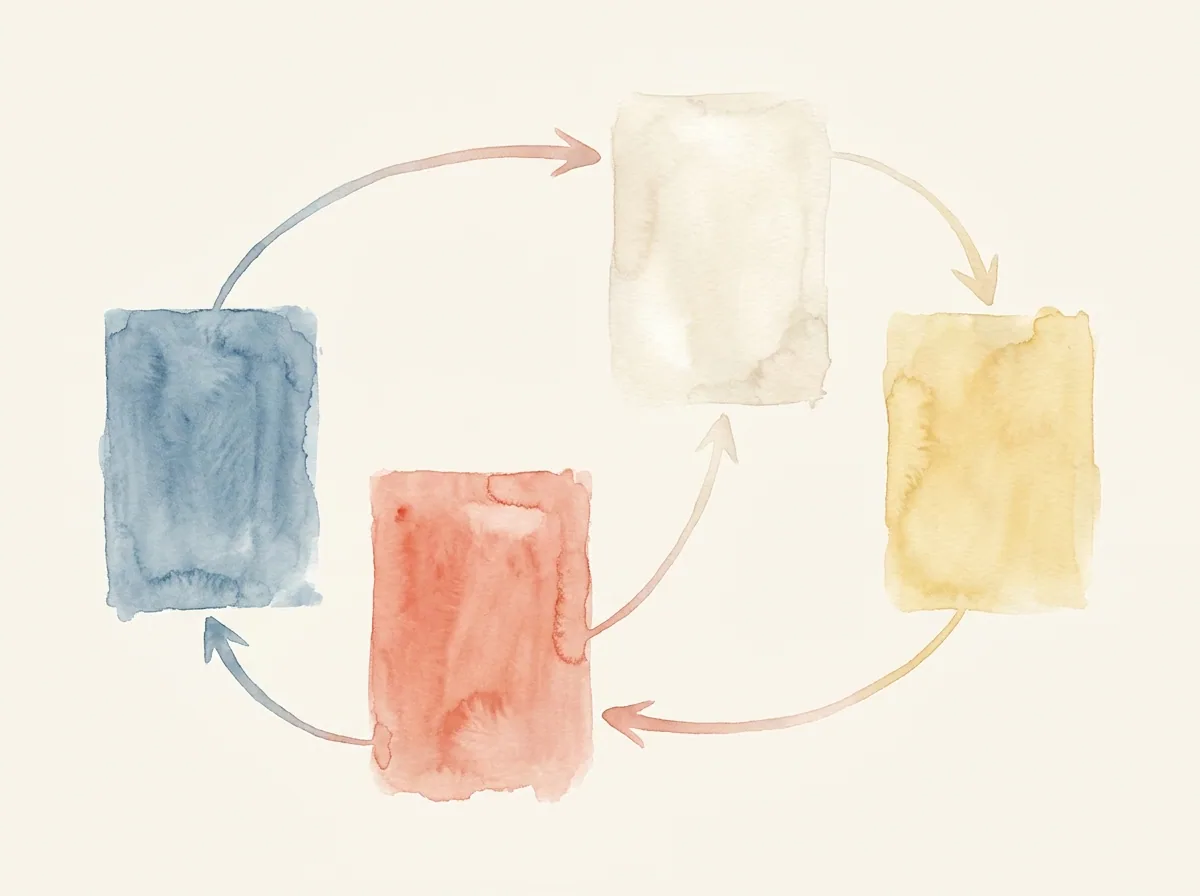
1. State the purpose of the prototype
Start with what you wanted to learn.
Example:
The goal of the prototype was to understand whether users noticed the summary before confirmation and which information they still felt was missing before completing the action.
This makes the prototype more than an output.
2. Name the assumption being tested
Make the assumption explicit.
Example:
My assumption was that users would feel more confident if cost, editability, and next-step information appeared before confirmation in the same flow.
This helps the reader evaluate the test result.
3. Define the scope of the prototype
You do not need to prototype the entire product. Explain what was included.
Example:
I did not prototype the full product experience. I focused on three critical moments in the application flow: selection, pre-confirmation review, and post-confirmation feedback.
This keeps the section focused.
4. Explain the test scenario
Briefly describe what users were asked to do.
Example:
I asked users to choose an option, check the cost, edit their information before confirmation, and explain what they expected to happen after submitting.
This shows which behaviors the prototype was meant to reveal.
5. Connect the learning to a design change
This is the most important part.
Weak version:
Based on the test, I made some improvements.
Stronger version:
Users noticed the editable fields, but they were unsure what would happen after confirmation. In the final design, I expanded the success message so it explained the outcome, the next step, and what the user should expect.
Now the learning is connected to a design decision.
A strong prototype section example
You can adapt this structure:
I did not create the prototype to simulate the entire product. I created it to test the moment before commitment. My assumption was that users would move forward more confidently if cost, editability, and next-step information appeared in the same flow.
In the test scenario, I asked users to select an option, review the details, and edit information before confirmation.
Users noticed the editable fields, but they still wanted to understand what would happen after the action was completed. Based on that, I expanded the post-confirmation message in the final design and made the next step more explicit.
In this example, the prototype is a learning step, not a demo.
How to present the prototype visually
If you include prototype visuals in your portfolio, guide the reader’s attention.
Useful approaches:
- Show the critical interaction instead of a long screen sequence.
- Highlight the parts of the prototype being tested.
- Add short decision notes under screens.
- Show before and after changes if possible.
- If you include a prototype link, tell the reader which flow to try.
- If you use a GIF or video, keep it short and focused on one interaction.
Example caption:
This prototype tested whether users noticed that information could be edited before confirmation. After testing, I made the edit link more visible.
This caption explains the purpose of the visual.
What can you show instead of a prototype?
A prototype is not always the clearest artifact.
Task flow
If the key decision is sequence rather than interaction behavior, a task flow may work better.
Wireframe alternatives
If the decision is mainly about structure and hierarchy, wireframe alternatives may be enough.
Test findings
If the prototype itself is less important than what you learned, show the findings and design changes instead.
Interaction notes
If you cannot share the prototype, add a short interaction notes section.
Example:
When the selection changes, the total cost updates immediately. Users can edit information before confirmation. Error states keep users on the same screen and guide them to the issue.
These notes make the interaction decisions visible.
A quick checklist
Before adding a prototype to your case study, ask:
- Which assumption did the prototype test?
- Which user behavior did you want to observe?
- Is the prototype scope clear?
- Is the test scenario understandable?
- What did you learn from the prototype?
- What changed in the final design?
- Does the prototype visual or link help explain the decision process?
If these answers are unclear, the section may only communicate that you made a prototype, not that you learned from it.
Next step
Before writing the prototype section, complete these three sentences:
The assumption I wanted to test with this prototype was…
The user behavior I wanted to observe was…
This learning changed the final design by…
If those sentences are clear, the prototype will likely add value to your case study. If not, strengthen the link between assumption, test scenario, and design change before making the prototype visual larger.
This article was created in collaboration with AI · Editor: Ömer Arı
Related reading
May 8, 2026
10min read
How to Show Information Architecture in a UX Portfolio
How to present information architecture decisions in a portfolio through user needs, content grouping, and navigation reasoning.
May 5, 2026
10min read
How to Show a Journey Map in a UX Case Study
How to connect a journey map to user problems, friction points, and design decisions in a UX case study.
May 3, 2026
10min read
How to Show Wireframes in a UX Case Study
How to present wireframes in a UX case study through structure, flow, hierarchy, and design reasoning.