Case studies
How to Show Information Architecture in a UX Portfolio
How to present information architecture decisions in a portfolio through user needs, content grouping, and navigation reasoning.

Ömer Arı
10 min read
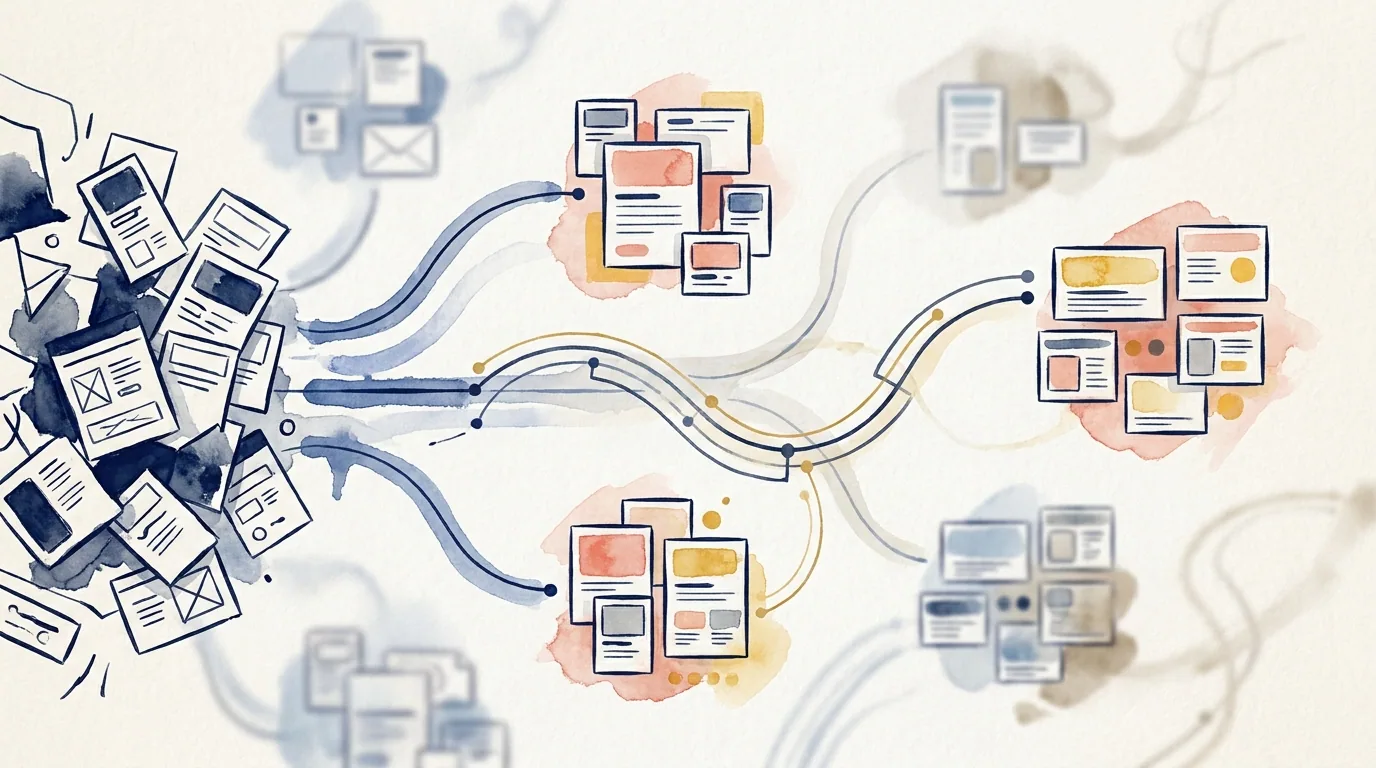
Information architecture, or IA, is often under-explained in UX portfolios. A case study may show a sitemap, a menu structure, a category diagram, or a card sorting output. Then it moves on to final screens.
The reader may still not understand the important decisions:
- Why was the content grouped this way?
- Which user need shaped the navigation?
- Which structure options were considered?
- Did users find things more easily?
- Where did the IA decision appear in the final design?
If these questions are not answered, information architecture can look like a technical diagram. Explained well, it shows how you organized complexity, considered the user’s mental model, and simplified the product structure.
The weaker portfolio message is:
I created a sitemap.
The stronger message is:
I studied how users looked for information, tested different grouping options, and used those findings to shape the navigation and screen structure.
What is information architecture?
Information architecture is the way information, content, screens, features, and actions are organized so users can understand and use a product.
In practical terms, IA deals with questions like:
- Where does the user expect to find something?
- How should content be grouped?
- What logic should navigation follow?
- Which feature belongs under which category?
- Which information should appear first?
- How does the user move from one area to another?
- Does the product structure match the user’s mental model?
IA is not only a sitemap. It is about how users understand the product.
When does IA help in a portfolio?
IA is especially useful when product structure, content organization, or navigation decisions are central to the project.
1. Users struggle to find what they need
If the main problem is that users cannot find the right information, category, or action, IA can be a strong part of the case study.
For example:
- Users cannot find the right help content.
- E-commerce users confuse product categories.
- Finance users look for transaction and account information in different places.
- SaaS users cannot distinguish settings, reports, and team management.
- Frequent actions are buried inside a mobile menu.
In these cases, showing final screens is not enough. You need to explain the structural decision.
Weak version:
I simplified the menu structure.
Stronger version:
Users expected transaction history and account activity to live in the same area. In the existing structure, these were split across different menus, which forced users to try several paths. In the IA work, I grouped them under a structure closer to the user’s mental model.
This explains not only what changed, but why it changed.
2. There is too much content
In some products, the problem is not screen design. It is information density. Too many content types, categories, options, or settings can make it hard for users to know where to go.
In these projects, IA may sit at the center of the case study.
Example:
The product had more than 40 settings, and users struggled to understand which setting affected which outcome. In the IA work, I regrouped settings by user goals rather than internal technical logic.
This shows that you were not just arranging screens. You were shaping product structure.
3. Navigation is a core design decision
In some projects, navigation is the main design challenge. How will users reach the right area? Which items belong in the main menu? Which items should stay inside detail pages? Which action should be surfaced?
These decisions are visible in final screens, but the reasoning behind them may not be.
The IA section can make that reasoning explicit.
Example:
In the first structure, all features were visible in the main menu. This supported discovery for new users, but slowed down frequent tasks. In the alternative structure, I simplified the main menu around key tasks and moved less frequent features into relevant detail areas.
This also shows the trade-off behind the decision.
When does IA weaken a case study?
Information architecture can be strong, but it can also feel dry or overly technical when poorly explained.
1. You only show a diagram
A sitemap or category diagram is not enough on its own. The reader needs to understand why the structure was created.
Weak version:
Below is the new information architecture.
Stronger version:
In the new information architecture, I organized content around user tasks rather than internal product categories. Research showed that users did not think in feature names. They thought in terms of what they wanted to do.
The second version connects the IA decision to user behavior.
2. You do not compare old and new structure
IA work often involves reorganizing an existing structure. If the old problem and the new logic are not clear, the reader will not see the value.
A strong IA explanation should make two things clear:
- Why was the old structure causing problems?
- How did the new structure reduce the problem?
Example:
In the old structure, limits, card settings, and security controls lived in different menus. Users did not know where to go when they wanted to change card restrictions. In the new structure, I grouped these controls under card control.
This makes the decision easier to understand.
3. IA does not connect to the final design
If you show an IA diagram and then jump to final screens, the section may feel disconnected. The reader should see where the IA decision affected the final product.
IA can connect to:
- Navigation
- Menu structure
- Page hierarchy
- Search and filtering
- Empty states
- Category labels
- Onboarding
- Settings structure
- Dashboard layout
Without that connection, the IA artifact can feel like a working file.
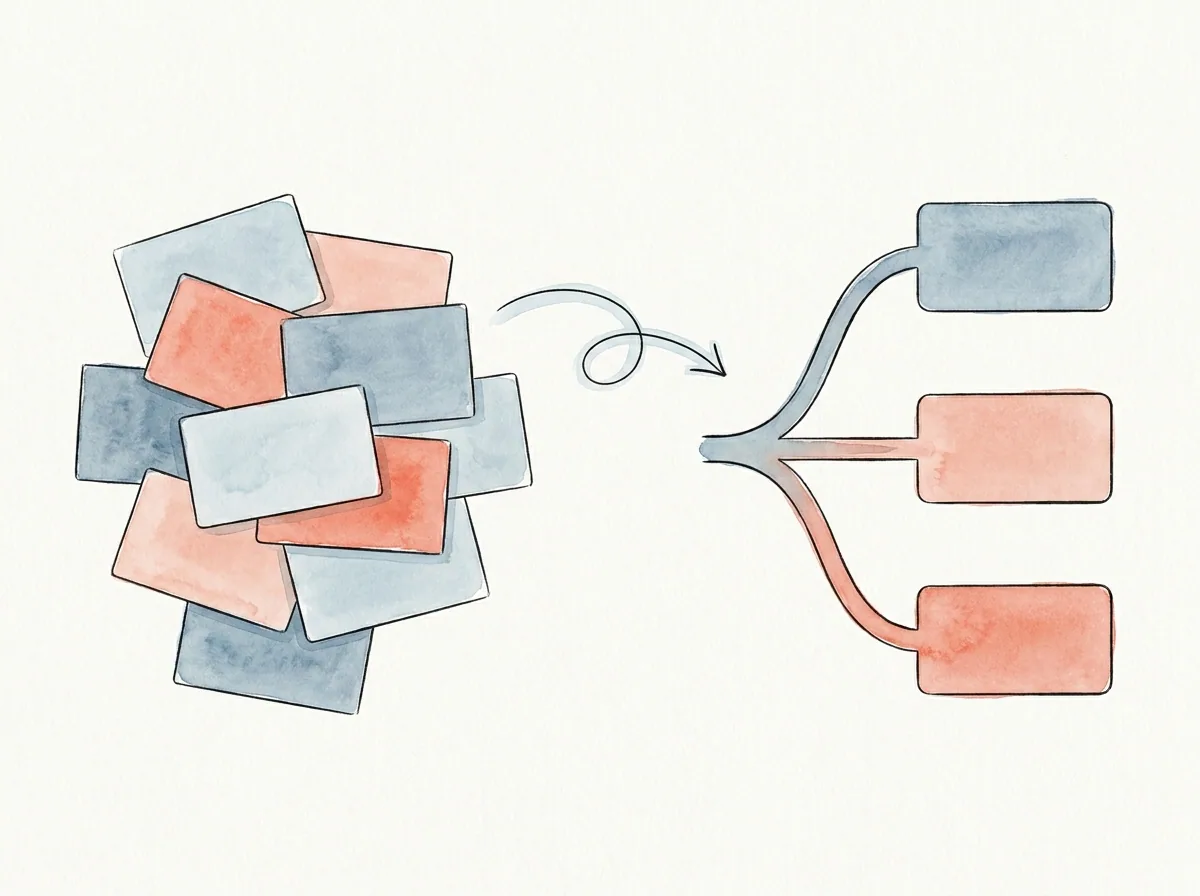
How to explain IA in a case study
This structure works for many portfolio projects.
1. Describe the structural problem
Start by naming the structure problem.
Example:
Users could reach the information, but rarely through the first path they tried. The existing navigation was organized around internal product categories, not user tasks.
This explains why IA work was needed.
2. Explain what evidence informed the decision
IA decisions may be based on research interviews, analytics, search logs, support tickets, card sorting, tree testing, or usability findings.
Example:
I evaluated the IA using user interviews, support tickets, and pages where users frequently returned to the menu.
If research access was limited, say that clearly:
Research access was limited, so I created the IA around hypothetical user tasks and marked the areas that needed validation in later testing.
That is more credible than pretending the IA is more proven than it is.
3. Show the problem in the old structure
Explain why the previous structure caused friction.
Example:
In the existing structure, users had to visit two different menu areas for payment history and transaction details. Interviews showed that users thought of these as the same context.
This prepares the reader for the new structure.
4. Explain alternative grouping options
IA work often includes several possible structures.
Example:
The first option grouped information by product type. This was clear for the internal team but did not match user tasks well. The second option grouped information around actions such as tracking, editing, and getting help. This structure tested better because users recognized their intent faster.
This shows decision quality.
5. Connect the new structure to the final design
End the IA section by bridging to the final screens.
Example:
This structure simplified the main navigation, grouped transaction details in one context, and moved support links into the screens where users needed them.
This makes the impact of IA visible.
A strong IA section example
You can adapt this structure:
The existing structure grouped content around internal product logic. Users, however, tried to understand the product through the tasks they wanted to complete.
In interviews, users treated tracking an action, editing information, and getting help as parts of the same task context rather than separate menu areas. I used this as the basis for the IA work.
The first structure grouped content by product type. It looked organized for the team, but did not match user tasks. The second structure was task-based and was easier for users to understand in testing. I used that structure to simplify the main navigation in the final design.
This makes IA a product structure decision, not just a diagram.
How to present IA visuals
IA visuals can become complex quickly. In a portfolio, the visual should explain the decision logic, not show every detail.
Useful practices:
- Compare old and new structure.
- Highlight the important changes.
- Use a simplified view instead of a huge sitemap.
- Show the relationship between user tasks and categories.
- Add a short takeaway under the visual.
- If you tested the structure, state which version performed better.
- Keep labels readable.
- Do not leave the diagram without explanation.
Example caption:
The new structure grouped features by user task rather than internal technical category. This shortened the path to support and transaction details.
What can you show instead of a full IA diagram?
Sometimes another format is clearer than a full IA section.
Task flow
If the main problem is about the sequence of actions, a task flow may work better.
Navigation comparison
If the key decision is the difference between old and new navigation, a comparison can be clearer.
Content grouping table
If the main problem is grouping, a table can be easier to read.
Example:
| Old group | Problem | New group |
|---|---|---|
| Technical settings | Users did not understand it | Account control |
| Activity records | Split across areas | Transaction history |
| Help content | Lost in general support | Contextual support |
Search or filter logic
If users mainly find information through search or filters, it may be better to explain search and filtering decisions instead of a sitemap.
A quick checklist
Before adding IA to your portfolio, ask:
- What information or action were users struggling to find?
- Why did the old structure create friction?
- What behavior or evidence shaped the new structure?
- Did you compare alternative grouping options?
- Where does the IA decision appear in the final design?
- Does the visual explain the decision quickly?
- If you removed the IA section, would the case study lose an important structural decision?
If the answer to the last question is no, you may not need a large IA section. You can explain the IA decision inside the relevant design decision section.
Next step
Before writing the IA section, complete these three sentences:
Users struggled to find…
The existing structure made this harder because…
The new IA changed the final design by…
When these three sentences are clear, information architecture becomes evidence of design reasoning, not just a diagram in your portfolio.
This article was created in collaboration with AI · Editor: Ömer Arı
Related reading
May 6, 2026
9min read
How to Explain Prototyping in a UX Case Study
How to present prototypes in a UX case study through assumptions, interaction decisions, test scenarios, and learning.
May 5, 2026
10min read
How to Show a Journey Map in a UX Case Study
How to connect a journey map to user problems, friction points, and design decisions in a UX case study.
May 3, 2026
10min read
How to Show Wireframes in a UX Case Study
How to present wireframes in a UX case study through structure, flow, hierarchy, and design reasoning.